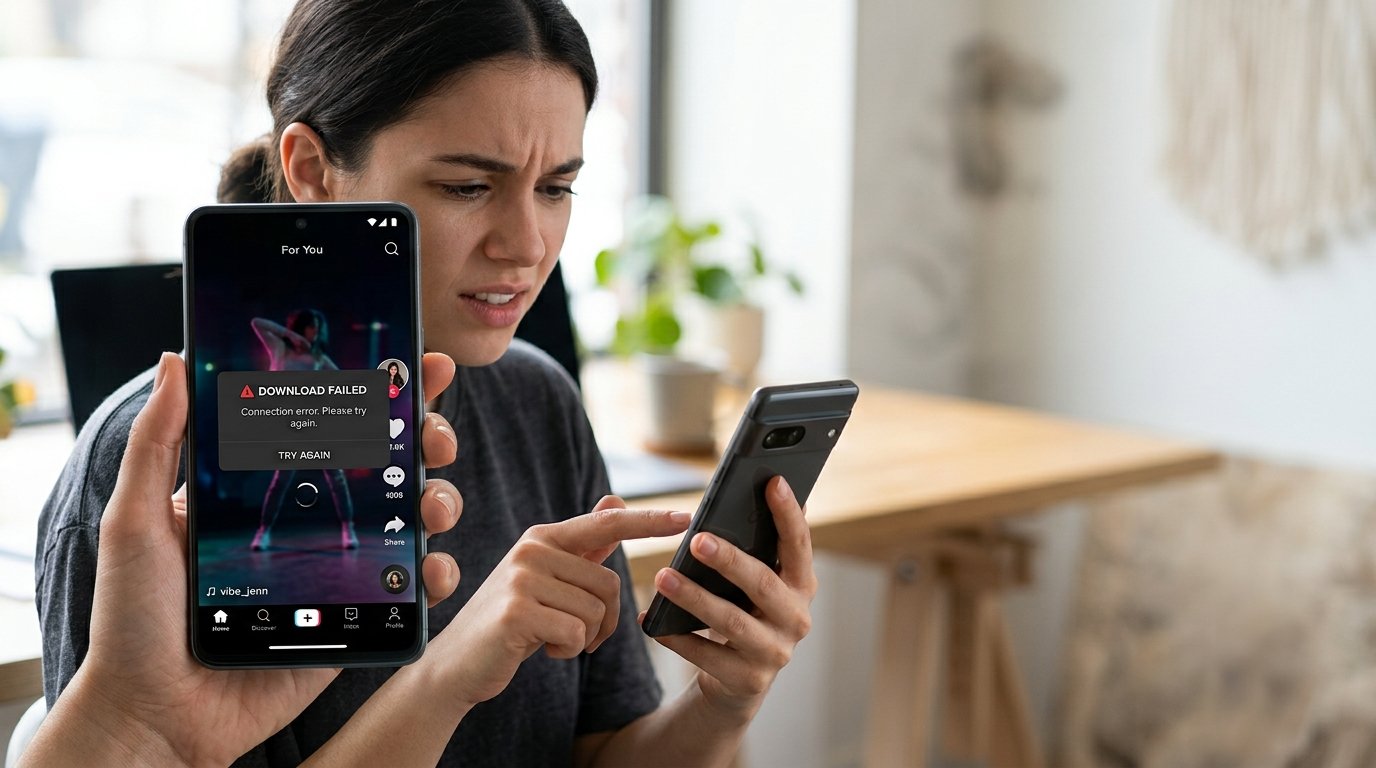
TikTok Video Not Downloading? 7 Easy Fixes (2026 Guide)
Are you trying to download a TikTok video, but nothing happens when you tap the Save Video button? You are not alone. Many TikTok users experience downloading problems on Android phones, iPhones, tablets, and computers. Sometimes the download starts but never finishes. In other situations, the Save Video option disappears completely, or the video gets saved but cannot be found in the phone's gallery.
If your TikTok video is not downloading, there could be several reasons behind the problem. Your internet connection might be unstable, your device could be running out of storage, or the TikTok application may need an update. Another possibility is that the original creator has disabled video downloads for that particular post. The good news is that most ordinary downloading problems can be diagnosed with a few simple steps.
In this complete 2026 TikTok troubleshooting guide, you will discover seven easy ways to fix TikTok video download problems. Whether you use Android, iPhone, Windows, or Mac, these solutions will help you understand what is happening and find the right fix. Let's get started!
Why Is My TikTok Video Not Downloading?
Before trying different solutions, it is important to understand why TikTok videos sometimes fail to download. The problem does not always come from the application itself. Your device settings, internet connection, available storage, and the creator's privacy preferences can all affect whether a video can be saved.
For example, if the Save Video option is missing from the Share menu, the creator may have disabled downloads. However, if the option appears and the download starts but fails, your internet connection, phone storage, or application settings may be responsible.
Here are some common reasons why TikTok downloads may not work:
- Slow or unstable internet connection.
- Outdated TikTok application.
- Insufficient storage space on your device.
- Corrupted or excessive temporary cache files.
- Restricted photo or media permissions.
- Creator-disabled video downloads.
- Temporary TikTok server or application issues.
Identifying the cause first can save you time and help you avoid unnecessary changes to your phone.
7 Easy Fixes for TikTok Video Not Downloading
Fix 1: Check Your Internet Connection
One of the most common reasons for a TikTok video download failed error is an unstable internet connection. Downloading video files requires a reliable connection, particularly when the video is long or has a high resolution. If your Wi-Fi signal is weak or your mobile data connection keeps disconnecting, TikTok may struggle to complete the download.
Start by checking whether other applications and websites are working correctly. Open a website or play a video in another application to see whether your internet connection is stable. If everything loads slowly, your network may be the problem rather than TikTok.
Try these simple steps:
- Turn off Wi-Fi and switch to mobile data.
- If you are using mobile data, try a reliable Wi-Fi network.
- Move closer to your Wi-Fi router.
- Turn Airplane Mode on briefly and then turn it off.
- Restart your router if your home internet is not working properly.
- Open TikTok again and try downloading an eligible video.
Switching between Wi-Fi and mobile data is particularly useful because it helps determine whether your current network is causing the issue. If downloading works on another connection, you may need to troubleshoot your original network.
Fix 2: Update the TikTok Application
Using an outdated version of TikTok can sometimes cause unexpected problems. Older versions may contain bugs or compatibility issues that affect video downloads and other application features. TikTok regularly releases updates that improve performance, introduce features, and address technical problems.
If you have not updated TikTok recently, checking for a newer version is a good next step. Updating the application can also help if videos are loading incorrectly or certain buttons are not responding.
For Android users:
- Open the Google Play Store.
- Search for TikTok.
- Open the official TikTok application page.
- Tap Update if an update is available.
- Wait for the installation to finish.
- Open TikTok and test the download again.
For iPhone users:
- Open the Apple App Store.
- Search for TikTok.
- Open the application page.
- Tap Update if the option appears.
- Wait for the update to complete.
- Restart TikTok and try again.
It is also a good idea to install available operating system updates. Keeping both your phone and applications updated can reduce compatibility problems and improve overall performance.
Fix 3: Clear TikTok Cache and Temporary Files
Temporary files help applications load information more quickly. However, cached data can sometimes become outdated or cause unexpected application behavior. If TikTok is running slowly, videos are not loading properly, or downloading is repeatedly failing, clearing the cache may help.
TikTok provides an in-app option for clearing its cache. You do not usually need to uninstall the application just to perform this step.
Follow these instructions:
- Open the TikTok application.
- Tap Profile at the bottom of the screen.
- Tap the Menu icon in the upper-right corner.
- Select Settings and privacy.
- Find the Free up space option.
- Locate Cache and tap Clear.
- Confirm your selection if requested.
After clearing the cache, close TikTok and reopen it. Navigate to a video that allows downloads and test the Save Video feature again.
Remember that clearing the cache is different from clearing all application data. Avoid selecting Clear data or Clear storage unless you understand the consequences. Protect important drafts and other locally stored content before performing more extensive troubleshooting.
Fix 4: Check Your Phone's Storage Space
Another common reason why TikTok videos are not saving is insufficient storage space. Every video file requires room on your smartphone. If your device is almost full, TikTok may be unable to save a new video even when your internet connection is working perfectly.
For example, a smartphone filled with photographs, downloaded movies, games, and application files may not have enough free space for additional videos. This can cause downloads to stop unexpectedly or fail before completion.
To check your available storage, follow these instructions.
On Android:
- Open Settings.
- Select Storage or Device care, depending on your phone.
- Check how much storage space is available.
- Remove unnecessary files or applications if needed.
- Open TikTok and retry the download.
On iPhone:
- Open Settings.
- Tap General.
- Select iPhone Storage.
- Review applications and files using the most space.
- Remove unwanted downloads or unused applications.
- Try saving the TikTok video again.
It is a good idea to maintain some free storage instead of allowing your phone to become completely full. You can transfer personal photographs and videos to trusted backup storage, provided you have verified that the copies are safely stored before deleting anything from your device.
Fix 5: Check TikTok Download and Device Permissions
Sometimes, TikTok cannot save videos because the application does not have the required access to your device's photos or media storage. This can happen after changing privacy settings, reinstalling the application, or updating your phone's operating system.
Checking application permissions can help identify whether TikTok has the necessary access to save media files.
For Android:
- Open your phone's Settings.
- Go to Apps or Applications.
- Find and select TikTok.
- Open Permissions.
- Review available Photos and videos or media permissions.
- Allow the access required for saving videos, where applicable.
For iPhone:
- Open Settings.
- Scroll down and select TikTok.
- Review the available Photos permissions.
- Choose an appropriate permission for the action you want to perform.
- Return to TikTok and test saving an eligible video.
The names of permission settings may differ depending on your operating system and device version. Only grant permissions that are necessary for the feature you want to use. You should not need to provide your TikTok password to a third-party downloader to save a video through the official application.
Fix 6: Check Whether the Creator Allows Video Downloads
This is one of the most important things to check when the TikTok Save Video button is missing. Not every video on TikTok is available for downloading. Creators can manage whether other people are allowed to download their videos and photos.
According to TikTok's official Help Center, if the Save Video option does not appear in the Share menu, the creator has not allowed downloads for that post. In this situation, changing your internet connection, clearing the cache, or restarting your phone will not restore the missing button.
To check the situation:
- Open the TikTok video.
- Tap the Share button.
- Look for the Save Video option.
- If it is missing, the creator may have disabled downloads.
- Contact the creator if you need an authorized copy.
If you are trying to save your own content, check your download settings. TikTok provides the following navigation path for managing video downloads:
- Open your Profile.
- Tap the Menu icon.
- Select Settings and privacy.
- Open Privacy.
- Select Downloads.
- Review your Video downloads setting.
Keep in mind that account privacy and age-related restrictions may affect download availability. Respect the creator's preferences instead of trying to bypass restrictions through unfamiliar third-party websites.
Fix 7: Restart Your Phone and Reinstall TikTok if Necessary
If none of the previous solutions works, restarting your device is another useful troubleshooting step. Smartphones run many applications and background processes simultaneously. Occasionally, temporary software problems can affect how an application performs, including its ability to save files.
Restarting your phone closes active processes and gives the operating system a fresh start. This simple action can sometimes resolve problems that remain after updating the application or checking storage settings.
Try the following steps:
- Close TikTok completely.
- Restart your Android phone or iPhone.
- Wait for the device to start normally.
- Reconnect to a reliable internet connection.
- Open TikTok and try downloading an eligible video.
If the problem continues, reinstalling TikTok may help. However, be careful before uninstalling the application. Drafts and other locally stored content may be lost when the app is removed. Save or back up anything important first, and make sure you know your account login details.
After reinstalling TikTok from the official Google Play Store or Apple App Store, sign in and test the download feature again.
How to Fix TikTok Video Not Downloading on PC
Although many people use TikTok on smartphones, some prefer accessing the platform through a desktop browser. If you are trying to save a video on Windows or Mac, first check whether the video is available through TikTok's official download options.
Try these basic troubleshooting steps:
- Refresh the TikTok webpage.
- Check your internet connection.
- Update your web browser.
- Check your browser's download permissions.
- Make sure your computer has enough storage.
- Look inside your browser's Downloads folder.
- Try another supported browser if necessary.
If you have permission to use a video, you can also ask the creator to provide the original MP4 file. This is often more reliable than depending on an unofficial downloading website.
How to Find a TikTok Video After Downloading
Sometimes, the video actually downloads successfully, but you cannot find it on your phone. This can happen because files are saved in different locations depending on your device and the application you use.
On Android, check your Gallery, Photos, Movies, or Downloads folders. On iPhone, check the Photos application for videos saved directly from TikTok. If you download a file through Safari or another browser, check the Downloads folder inside the Files application.
On Windows, open File Explorer and select Downloads. On Mac, open Finder and select the Downloads folder. Checking these locations can help you find a video that appeared to disappear after downloading.
Tips to Prevent TikTok Download Problems in the Future
Fixing a download problem is useful, but preventing it from happening again can save you time. Maintaining your smartphone, keeping TikTok updated, and managing available storage can make the application work more smoothly.
Here are some helpful habits:
- Keep TikTok updated through official application stores.
- Use a reliable Wi-Fi or mobile data connection.
- Maintain enough free storage on your smartphone.
- Clear temporary cache files when necessary.
- Review application permissions after major updates.
- Save your own original videos before publishing.
- Avoid suspicious third-party downloading applications.
These practices can help reduce common problems and make managing your TikTok content easier.
When Should You Contact TikTok Support?
If you have tried all seven fixes and downloads are still failing, the issue may require assistance from TikTok. This is especially true when the application repeatedly displays an error, crashes during downloading, or fails to save multiple videos that allow downloads.
You can report the problem directly through the TikTok application:
- Open TikTok.
- Go to Profile.
- Tap the Menu icon.
- Select Settings and privacy.
- Choose Report a problem.
- Select the relevant topic and follow the instructions.
Describe the problem clearly and mention the troubleshooting steps you have already attempted. If possible, include a screenshot of the error message without exposing private information.
Conclusion
When your TikTok video is not downloading, the problem can be frustrating, especially when you want to save an interesting video for offline viewing. Fortunately, many download problems can be diagnosed by checking your internet connection, updating TikTok, clearing the cache, freeing up storage, and reviewing device permissions.
The most important distinction is whether the Save Video option is missing or whether the download fails after you tap it. If the option is missing, the creator may have disabled downloads. If the option is available but does not work, the seven troubleshooting methods in this guide can help you identify the problem.
Always use official application features when possible, protect your personal information, and respect creators' download preferences and copyright rights. With these simple solutions, you can enjoy a smoother TikTok experience and manage your saved videos more easily in 2026.
Frequently Asked Questions (FAQs)
1. Why is my TikTok video not downloading?
Your TikTok video may not download because of a weak internet connection, insufficient storage, an outdated application, restricted device permissions, or creator download settings. Check whether the Save Video option appears before troubleshooting your phone.
2. Why is the Save Video button missing on TikTok?
The Save Video button may be missing because the creator has disabled downloads for that post. TikTok also applies privacy and age-related download restrictions to certain accounts. If you need a copy, ask the creator for permission.
3. How do I fix TikTok download problems on Android?
Update TikTok through Google Play, check your internet connection, clear the application cache, free up storage, and review media permissions. Restart your device and try downloading another video that allows downloads.
4. How do I fix TikTok videos not saving on iPhone?
Check your internet connection, update TikTok through the App Store, review Photos permissions, and make sure your iPhone has sufficient storage. Restart the application and your phone before trying again.
5. Does clearing TikTok cache delete my videos and drafts?
Clearing TikTok's temporary cache is different from deleting application data. However, drafts are stored locally and may be lost if you uninstall TikTok or clear its app data. Back up important content before performing major troubleshooting steps.